


iOS8.4如何删除app?首先如果你要删除普通APP,十分的简单,和以前一样按着不妨,图标上面会出现删除的符号。不过如果你要删除系统自带的App呢?来看下下面的方法来精简系统吧!
一、先把设备进行iOS8.4完美越狱。(iOS8.4越狱教程)
二、连接PP助手等同步工具,进入文件系统(越狱),开始删除文件:
路径 Library/LaunchDaemons 里面的PLIST文件。
/Applications/SocialUIService.app/PlugIns/com.apple.social.FacebookComposeService.appex
/Applications/FacebookAccountMigrationDialog.app
/System/Library/AccessibilityBundles/FacebookSettings.axbundle
/System/Library/PreferenceBundles/FacebookSettings.bundle
/System/Library/Accounts/Authentication/FacebookAuthenticationPlugin.bundle
/System/Library/Accounts/Access/FacebookAccessPlugin.bundle
/System/Library/frameworks/Social.framework/XPCServices/com.apple.facebook.xpc
Flickr
/Applications/SocialUIService.app/PlugIns/com.apple.social.FlickrComposeService.appex
/System/Library/PreferenceBundles/FlickrSettings.bundle
/System/Library/Accounts/Authentication/FlickrAuthenticationPlugin.bundle
/System/Library/frameworks/Social.framework/XPCServices/com.apple.flickr.xpc
/System/Library/Privateframeworks/VUSocialUpload.framework
Vimeo
/Applications/SocialUIService.app/PlugIns/com.apple.social.VimeoComposeService.appex
/System/Library/PreferenceBundles/VimeoSettings.bundle
/System/Library/Accounts/Authentication/VimeoAuthenticationPlugin.bundle
/System/Library/frameworks/Social.framework/XPCServices/com.apple.vimeo.xpc
/System/Library/Privateframeworks/VUSocialUpload.framework
iBooks
/Applications/iBooks.app
/Applications/Setup.app/AppleIDiBooks@2x.png
/System/Library/SyncBundles/Books.syncBundle
/var/mobile/Media/Books
Podcasts
/Applications/Podcasts.app
/private/var/mobile/Library/SpringBoard/PushStore/com.apple.podcasts.pushstore
/System/Library/AccessibilityBundles/Podcasts.axbundle
/System/Library/Assistant/Plugins/Podcasts.assistantBundle
Tips
/Applications/Tips.app
/etc/asl/com.apple.tips
/etc/asl/com.apple.tipsd
/private/var/mobile/Library/Preferences/com.apple.tipsd.plist
/System/Library/AccessibilityBundles/Tips.axbundle
/System/Library/LaunchDaemons/com.apple.tipsd.plist 或/Library/LaunchDaemons/com.apple.tipsd.plist
/System/Library/Privateframeworks/Tips.framework
/usr/libexec/tipsd
/Applications/SocialUIService.app/PlugIns/com.apple.social.TwitterComposeService.appex
/System/Library/AccessibilityBundles/Twitterframework.axbundle
/System/Library/AccessibilityBundles/TwitterSettings.axbundle
/System/Library/frameworks/Twitter.framework
/System/Library/PreferenceBundles/TwitterSettings.bundle
/System/Library/Accounts/Authentication/TwitterAuthenticationPlugin.bundle
/System/Library/frameworks/Social.framework/XPCServices/com.apple.twitter.xpc
/System/Library/Privateframeworks/MobileSync.framework/
下面是Apple Watch不建议删除,会不断的搜索反而费电。
Apple Watch
/Applications/Bridge.app
/private/var/mobile/Library/SpringBoard/PushStore/com.apple.Bridge.pushstore
/System/Library/AccessibilityBundles/Bridge.axbundle
/private/var/mobile/Library/Preferences/com.apple.Bridge.plist
/System/Library/AccessibilityBundles/WatchKit.axbundle
/System/Library/frameworks/WatchKit.framework
/System/Library/LocationBundles/AppleWatchFaces.bundle
/System/Library/Privateframeworks/BridgePreferences.framework
三、下载删除数组文件(点击这里下载),解压并替换至【/Applications/Preferences.app/】路径中,这么做是因为在设置里面有些地方会出现上述软件,删除跟上面软件有关的数组就没问题了。
四、完成以上操作之后清理手机缓存,重启手机即可。
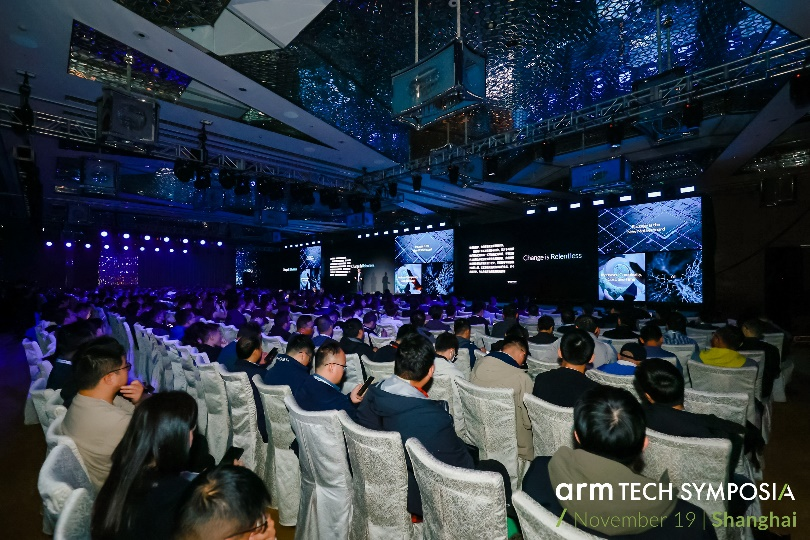 Arm 年度技术大会:展现全面的计算子系统、从云到端的软件开发赋能、紧
 进博会对话高通钱堃,从5G手机到汽车,支持中国伙伴全球拓展
 从5G到5G+AI,从展品到商品,高通连续七年参加进博会
 2024爱企查毕业季校园行:构建诚信就业市场,为成电、广大学子保驾护航
 淘宝百亿补贴618期间上线惊喜闪购,梦里啥都有真香!
 蔡怀军分享芒果文化与科技融合的前瞻思考
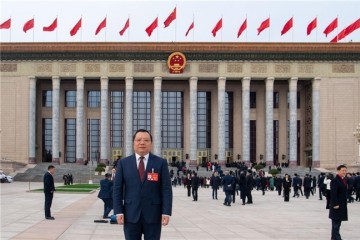 全国人大代表刘宏志:推动数字乡村建设、激发乡村振兴“数智力量”
 “千翼飞舞天际 5G闪耀广州”2023数字科技生态大会 11月10日中国·广州